
Zoho One vs Google Workspace: which should an Indian business choose?
Zoho One and Google Workspace solve different problems. Here's how they compare on apps, price and fit, and when to use both together.
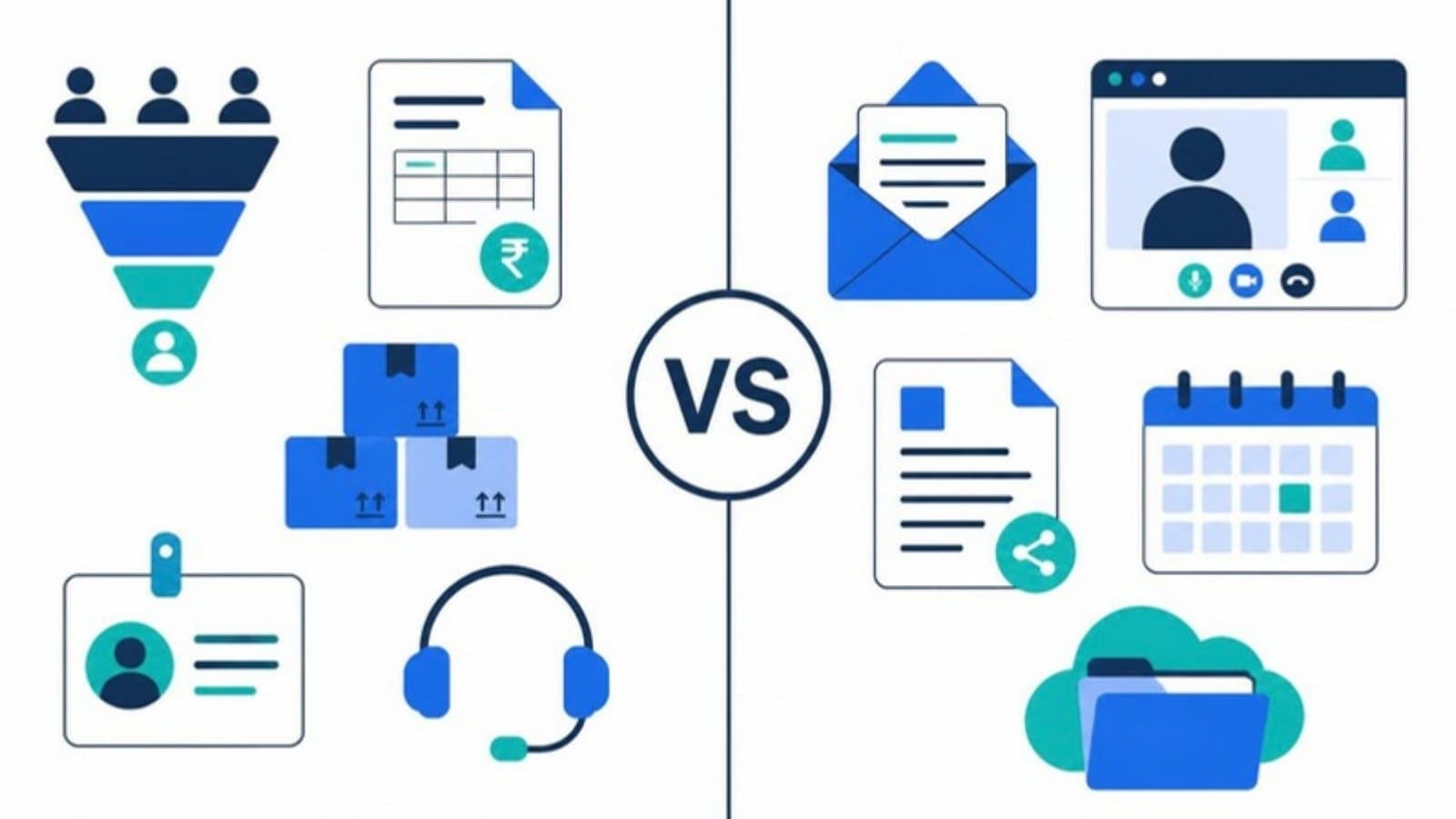
"Should we use Zoho One or Google Workspace?" is one of the most common questions we hear from growing Indian businesses. It's a fair question, since both are popular, both offer business email, and both come in at a per-user monthly price.
But they're built for different jobs. Comparing them is a bit like comparing an office building with the equipment inside it. This guide explains what each one does, what it costs, and how to decide.
The short answer
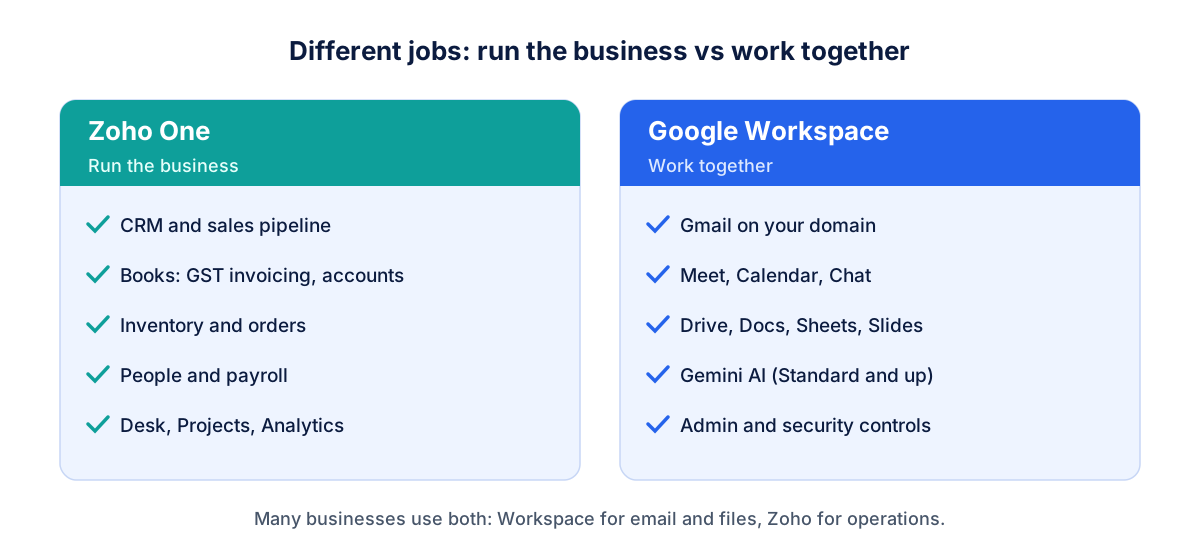
Google Workspace is a collaboration suite: business email, calendar, video meetings, file storage and documents. It's where your team talks and works together.
Zoho One is an operating system for the business: more than 45 apps including CRM, accounting (Zoho Books), inventory, HR and payroll, helpdesk and projects, plus its own email and documents.
If your problem is "we need professional email and a better way to share files and meet", that's Google Workspace. If it's "our sales, accounts, stock and HR live in ten disconnected spreadsheets", that's Zoho One.
What you get with Google Workspace
Gmail on your own domain (you@yourcompany.com), with strong spam filtering.
Google Meet for video calls, Calendar for scheduling and Chat for team messaging.
Drive, Docs, Sheets and Slides: real-time collaboration most people already know.
Gemini AI features in Gmail, Docs and Meet on Standard and higher plans.
Central admin, security controls and device management.
Its strength is familiarity. Almost every new hire, client and supplier has used Gmail and Google Docs, so there's little training and sharing just works.
What you get with Zoho One
Zoho CRM for leads, deals and sales pipelines.
Zoho Books for GST-ready invoicing and accounting, plus Expense, Inventory and Billing.
Zoho People and Payroll for HR, attendance and salaries.
Zoho Desk for customer support tickets.
Zoho Projects, Campaigns, Forms, Analytics and more.
Zoho Mail and Workplace for email and documents.
Its strength is that the apps share data. A deal won in CRM can become an invoice in Books and a project in Projects without re-typing anything, which is hard to match by stitching together separate tools.
Price comparison (India, October 2026)
Google Workspace | Zoho One | |
|---|---|---|
Entry price | Base ₹99 and Starter ₹270 per user/month | About ₹1,500 per employee/month, All-Employee pricing (annual) |
Mid-tier | Standard ₹1,080 per user/month (offers often run) | About ₹3,500 per user/month, Flexible User pricing (annual) |
Billing rule | Pay per user you add | All-Employee covers everyone on payroll; Flexible covers only named users |
GST | Extra 18% | Extra 18% |
Prices change and promotions are frequent, so always check Google Workspace pricing and Zoho's pricing page before buying. Zoho One figures are from Sirius Star's July 2026 summary.
The prices aren't directly comparable. Zoho One includes CRM, accounting and HR software that you'd otherwise pay for separately alongside Google Workspace. A fair comparison is Google Workspace plus the separate CRM, accounting and HR tools you'd need, against Zoho One.
If you only need email and documents, compare Google Workspace with Zoho Workplace (Zoho Mail plus documents), Zoho's direct equivalent.
Strengths and trade-offs
Google Workspace is better when:
email, documents and meetings are the main need
your clients and partners work in Google Docs and Meet
you already use other specialised tools (Tally, HubSpot, Freshdesk) and are happy with them
Zoho One is better when:
you want CRM, accounting, inventory and HR on one connected platform
you need GST invoicing and Indian payroll built in
you'd rather manage one vendor and one bill than ten subscriptions
Watch out for:
Zoho One's All-Employee rule: you license every employee, even those who never log in. For a company with many staff who don't need software, Flexible pricing may be cheaper.
Setup effort: Zoho One pays off only when it's configured around your processes. Switching it on and hoping teams adopt it rarely works.
Email habits: teams that live in Gmail often resist moving to a different inbox.
Can you use both?
Yes, and many businesses do. A common setup is Google Workspace for email, Drive and Meet, with Zoho CRM, Books or the wider Zoho One suite for operations. Zoho apps integrate with Gmail and Google Calendar, so sales teams can log emails to CRM without leaving their inbox.
Just avoid paying twice for the same thing. If you keep Gmail, you don't need to roll out Zoho Mail to everyone.
Which should you choose?
Just need professional email, files and meetings? Choose Google Workspace.
Need CRM, accounting, inventory or HR, and want them connected? Choose Zoho One.
Team already lives in Gmail but operations are messy? Keep Google Workspace and add Zoho One or individual Zoho apps for operations.
Very small team on a tight budget? Start with Google Workspace Base or Starter, plus Zoho Books or CRM on their own, and move to Zoho One as you grow.
How we help
Optimantix is a Google Cloud partner and a Zoho partner, so we set up and migrate both, and can advise without a stake in only one of them. That includes Google Workspace email and Drive, and Zoho CRM, Books and One configured around how your business actually runs. See Google Workspace services and Zoho services, or read our Google Workspace migration guide.
FAQ
Is Zoho One cheaper than Google Workspace? Per user, no. Zoho One costs more than Google Workspace's entry plans. But it includes CRM, accounting, HR and many more apps, so it's often cheaper than Google Workspace plus separate business software.
Does Zoho One include email? Yes. Zoho One includes Zoho Mail and Zoho Workplace, so you can run email on Zoho. Many businesses still prefer Gmail and keep Google Workspace for email.
Can Zoho CRM work with Gmail? Yes. Zoho CRM integrates with Gmail and Google Calendar, so you can sync emails and meetings with leads and deals.
Which is better for a startup? Most startups begin with Google Workspace for email and collaboration and add Zoho apps such as Books or CRM as processes grow. Zoho One makes sense once you need several connected business apps.